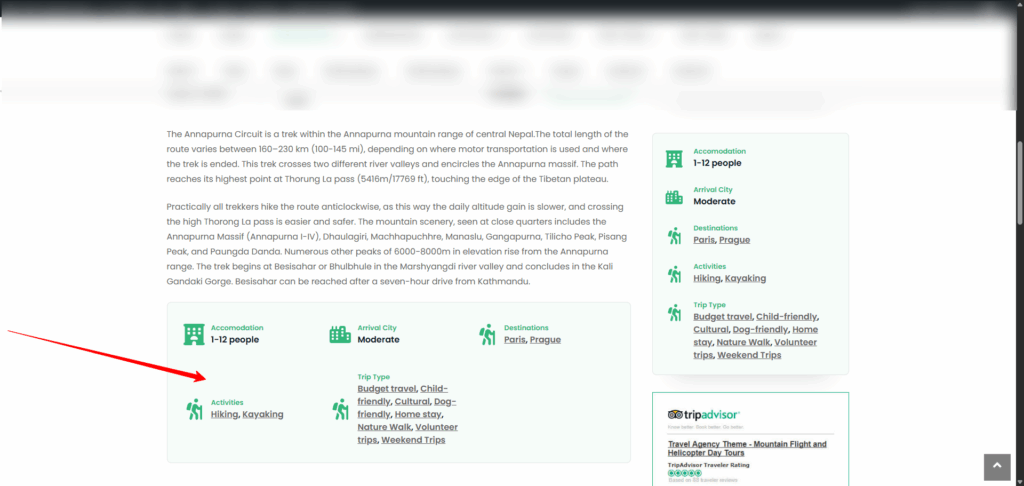
If the Trip Facts (Trip Info) are not appearing on your trip page, please follow these steps to ensure they are properly configured:
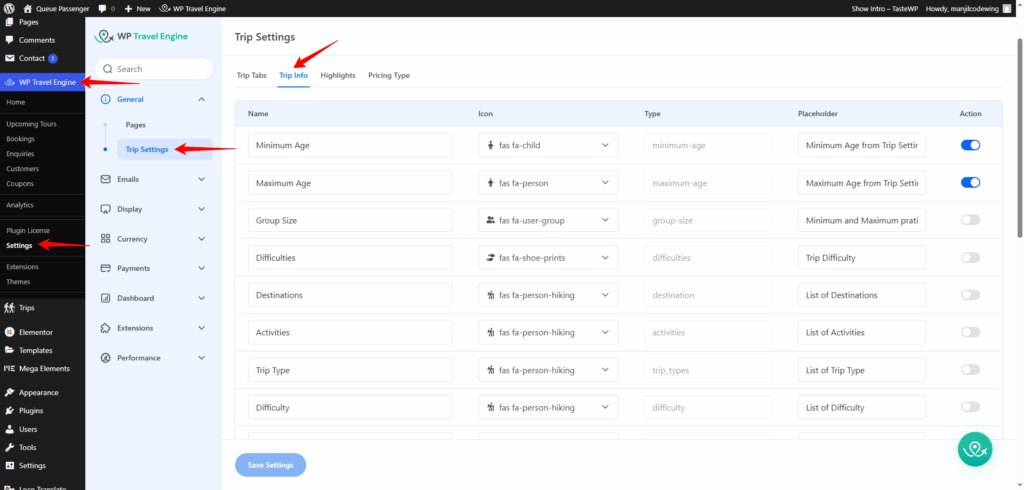
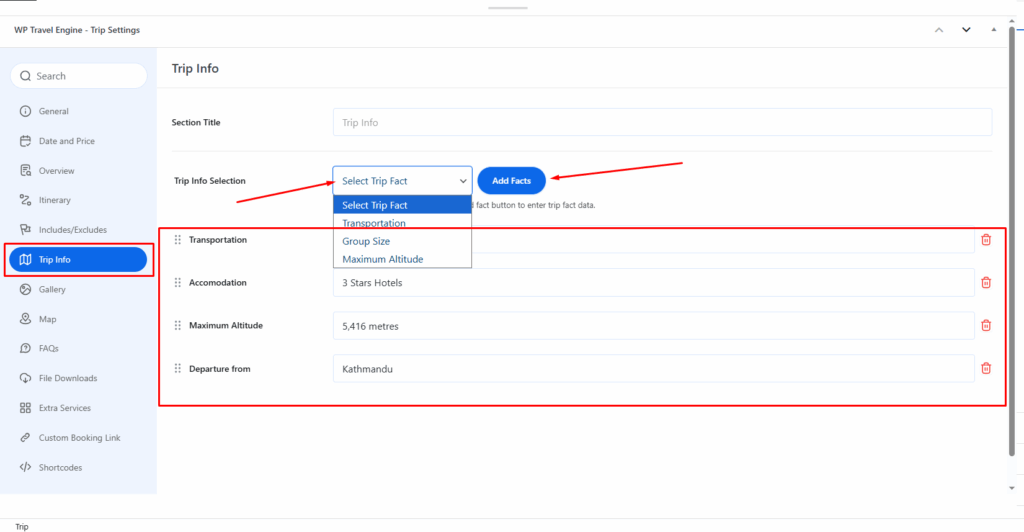
The Global Settings for creating/editing/deleting the Trip Info/Trip Facts can be seen via Dashboard > Settings > General > Trip Settings > Trip Info.
To add New trip info, you can just click on the Add trip info button and then enter add field name, field icon, field type, and field placeholder as per your need.
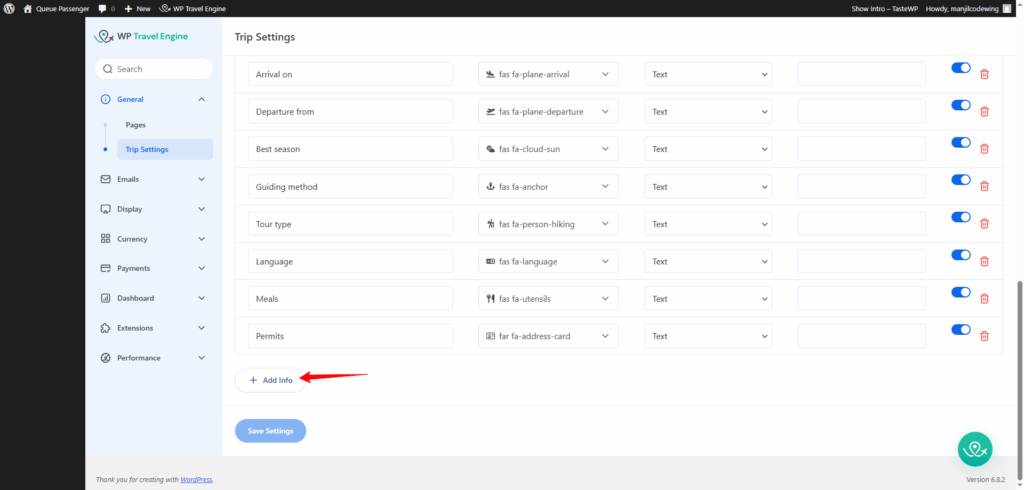
After you have added/edited the Global Trip Info, you can add this info by going to the trip edit page.
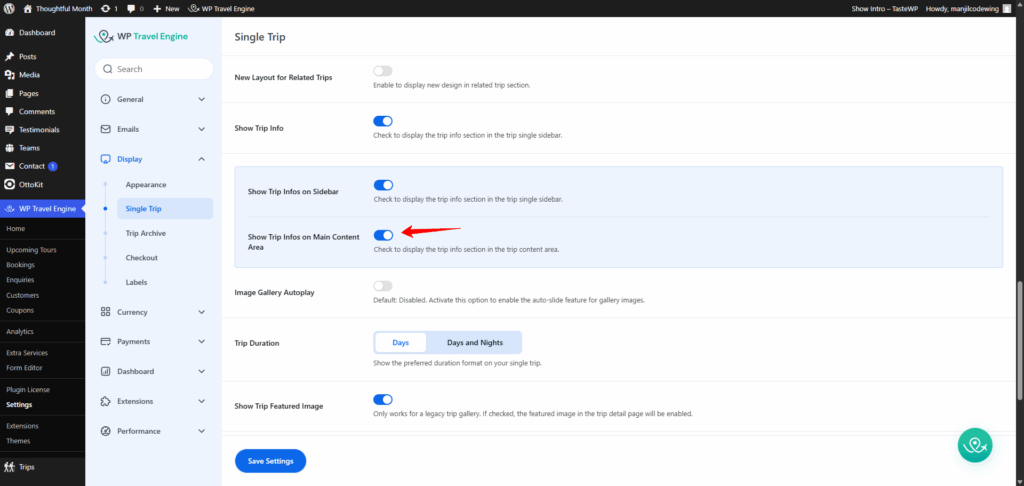
Note: We have a global option to enable/disable the Trip Infos via Dashboard > WP Travel Engine > Settings > Display > Single Trip > General. So, please make sure to enable the Show Trip Infos option.
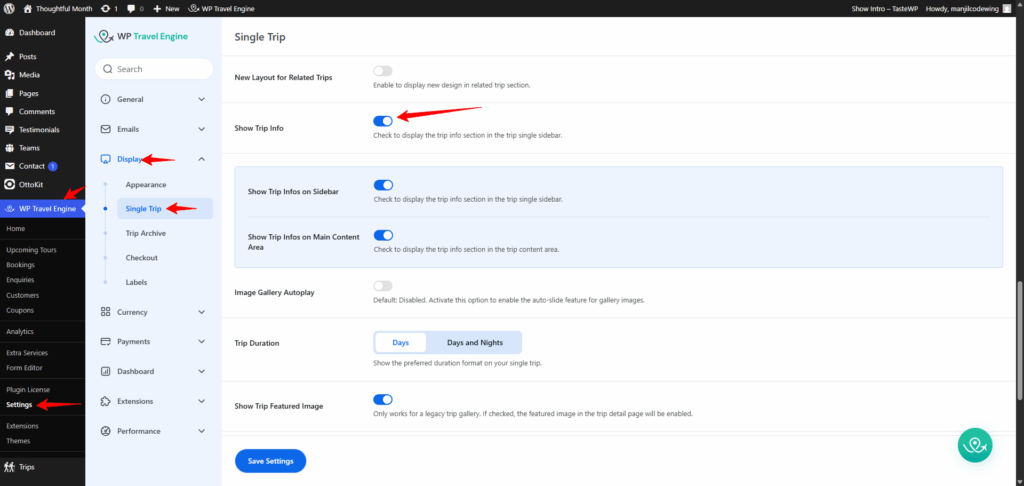
Enabling this will reveal two additional options:
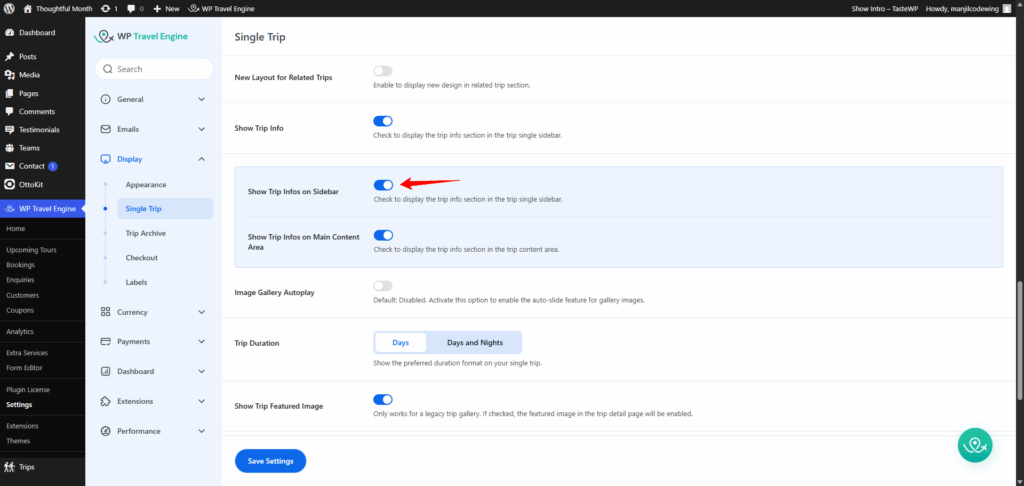
Show Trip Infos on Sidebar: #
Enable this option to check to display the trip info section in the trip single sidebar.
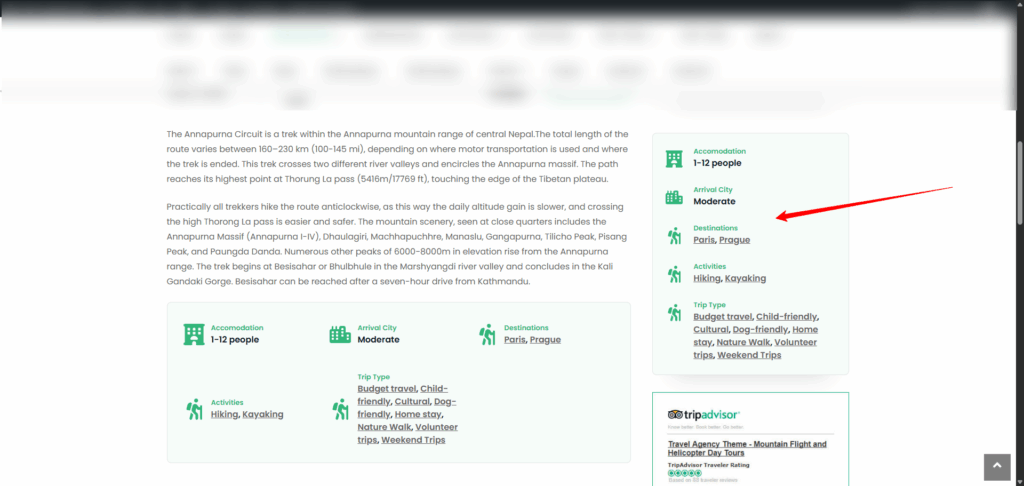
Show Trip Infos on Main Content Area: #
Enable this option to display the trip info section in the trip content area.