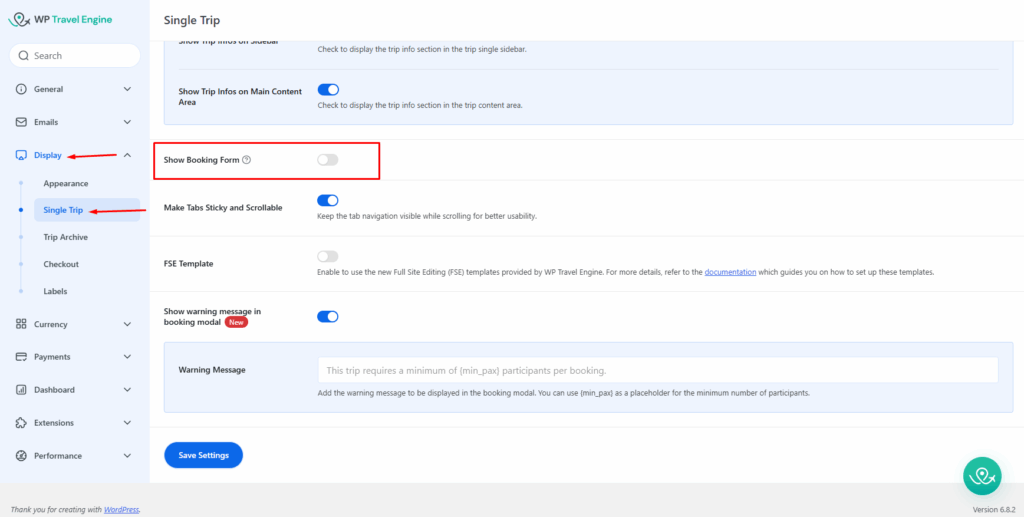
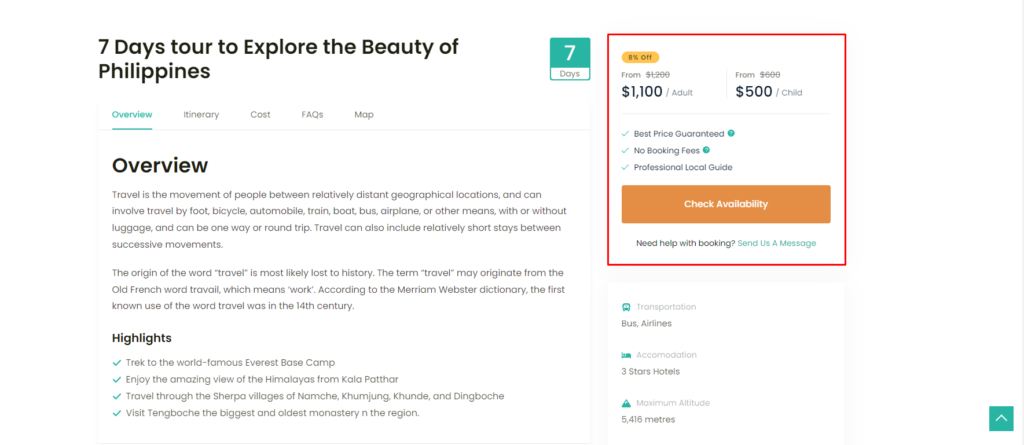
If you don’t want to display a Booking form, then the WP Travel Engine plugin provides a feature for disabling a Booking form on the sidebar of the Single trip page.
To hide the Booking Form on the Sidebar of the Single trip page, please go to Admin Dashboard> WP Travel Engine > Settings > Display > Single Trip > General and disable the “Show Booking Form“ option, as shown in the screenshot below.