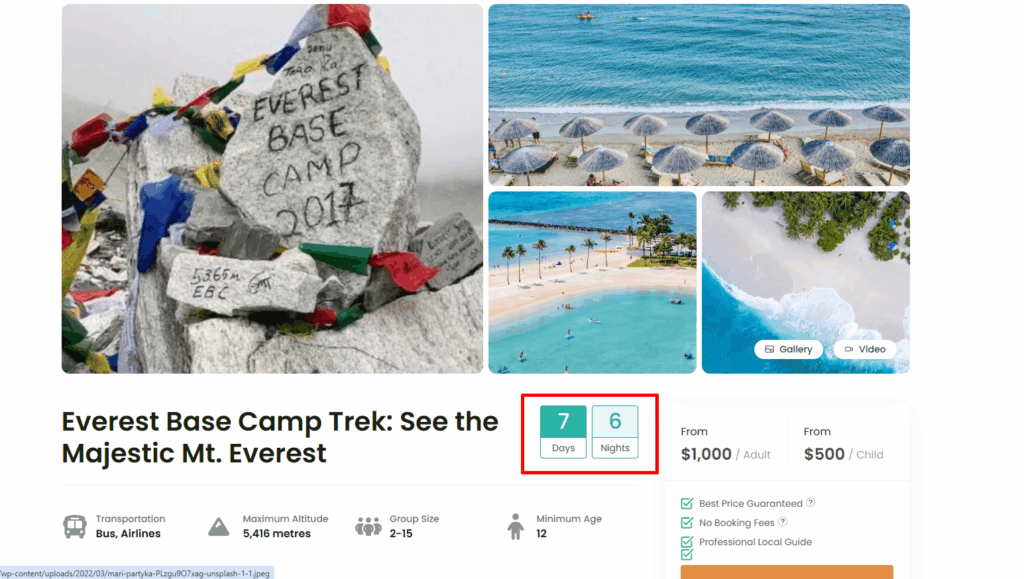
WP Travel Engine plugin offers a feature that allows you to display the trip duration on the trip listing/archive page. You can configure the display of trip duration according to your preferences, whether you want to show both days and nights, or just the number of days.
So to configure these settings, please go to the Admin Dashboard and navigate to WP Travel Engine > Settings > Display > Single Trip > General.
Here, you will find various options to configure how the trip duration is displayed on the trip listing/archive page.
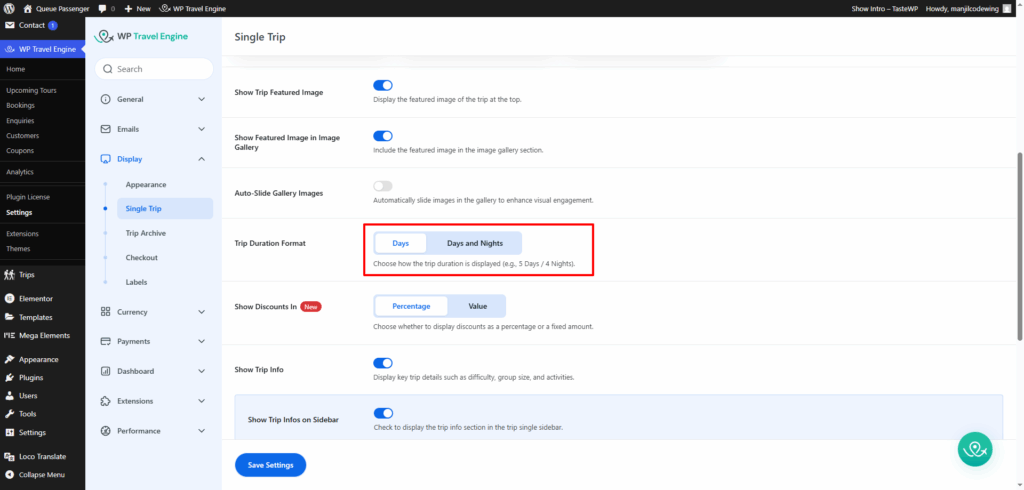
Each setting is described below, along with guidance on how to use it effectively:
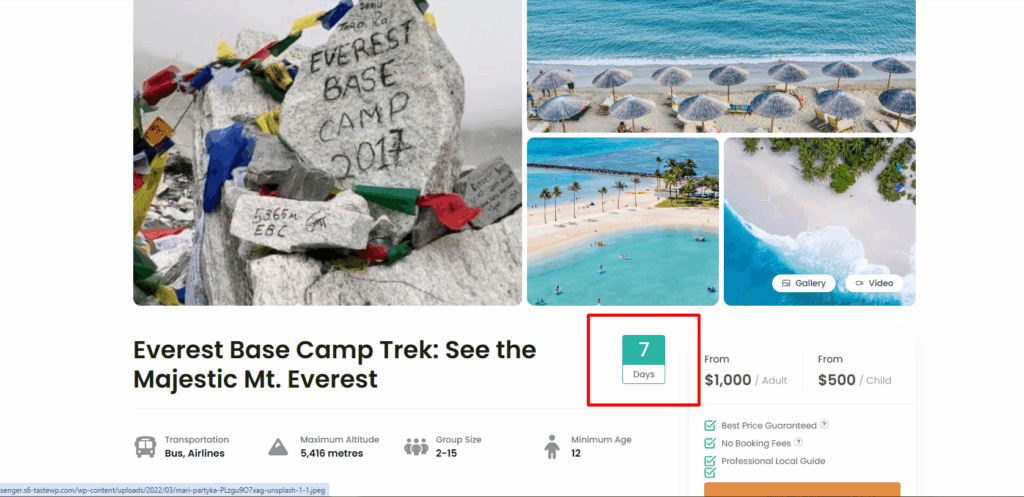
Days: #
When choosing this option, only the number of days will be displayed on the trip listing/archive page

Days and Nights: #
When choosing this option, both the number of days and nights will be displayed on the trip listing/archive page.