
Table of Contents
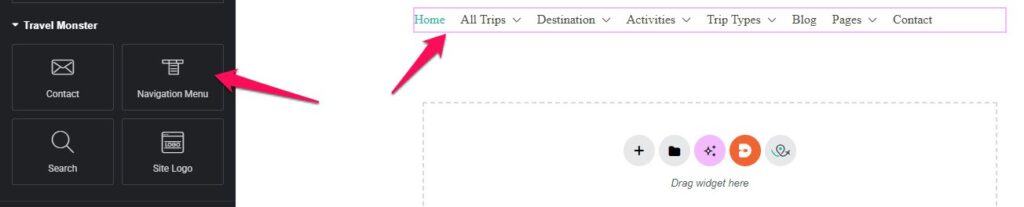
The Navigation Menu Widget allows you to display a menu on your pages using Elementor. You can configure the menu source, layout, and display options to match your site design.
General Settings #
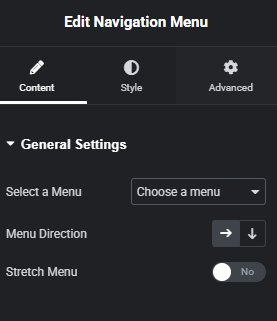
Select Menu #
Choose the menu you want to display from the dropdown. Only menus that exist in Appearance > Menus will appear.
Menu Direction #
Determine the layout direction of the menu items:
- Row (Horizontal) – Menu items are displayed side by side.
- Column (Vertical) – Menu items are stacked vertically.
Stretch Menu #
Toggle the Stretch Menu option to make the menu span the full width of the container.
- Yes – The menu stretches to full width.
- No – The menu retains its natural width.